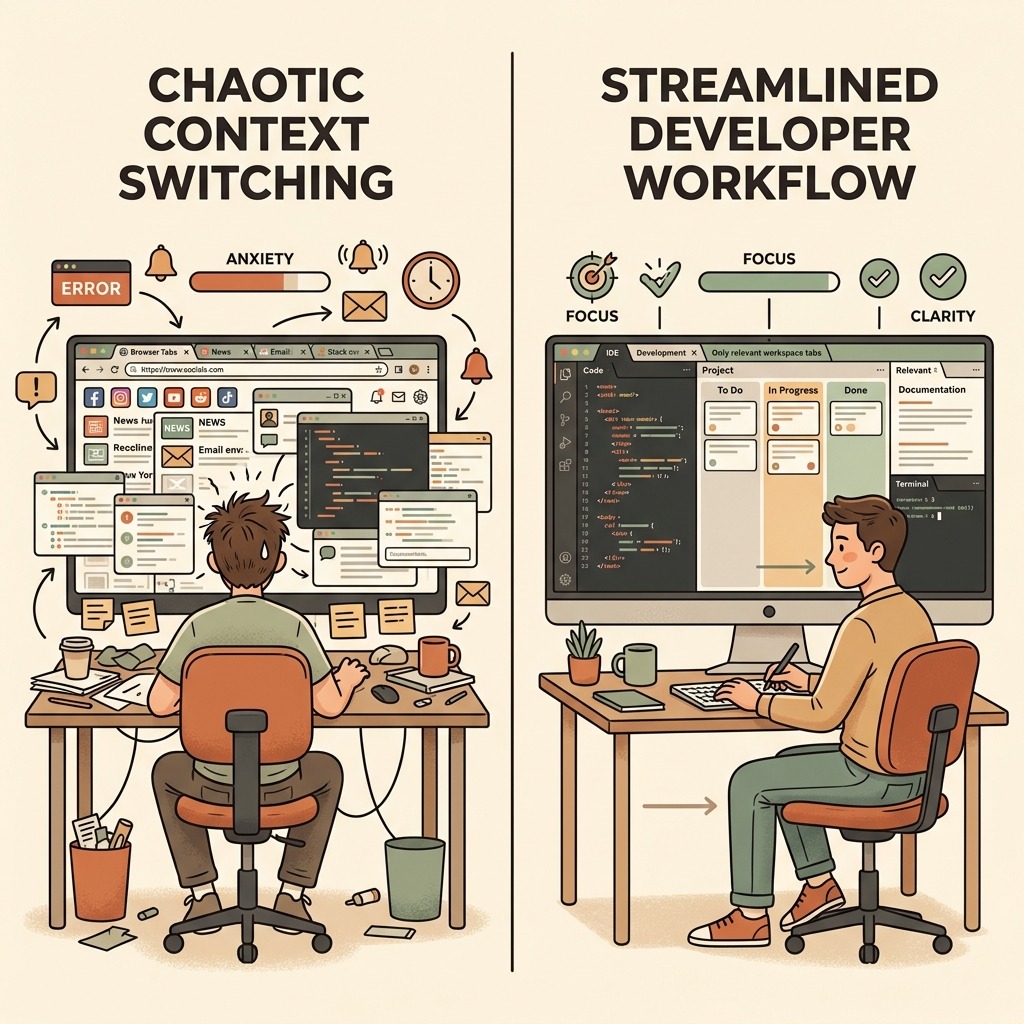
Three years ago, a typical engineering desktop looked like a browser memory stress test: dozens of documentation tabs, terminal windows, API clients, and chat channels competing for attention. Half of a developer's cognitive energy went into context switching rather than architecture.
In 2026, high-velocity engineering workflows look very different. Improving software engineer productivity isn't about installing more extensions—it is about eliminating micro-friction so engineers can stay in deep flow state.
Here are the top 10 developer productivity tools in 2026—spanning ai coding workflow tools, GPU-accelerated terminals, lightweight container runtimes, and interactive interview simulators—that modern engineering teams rely on daily.
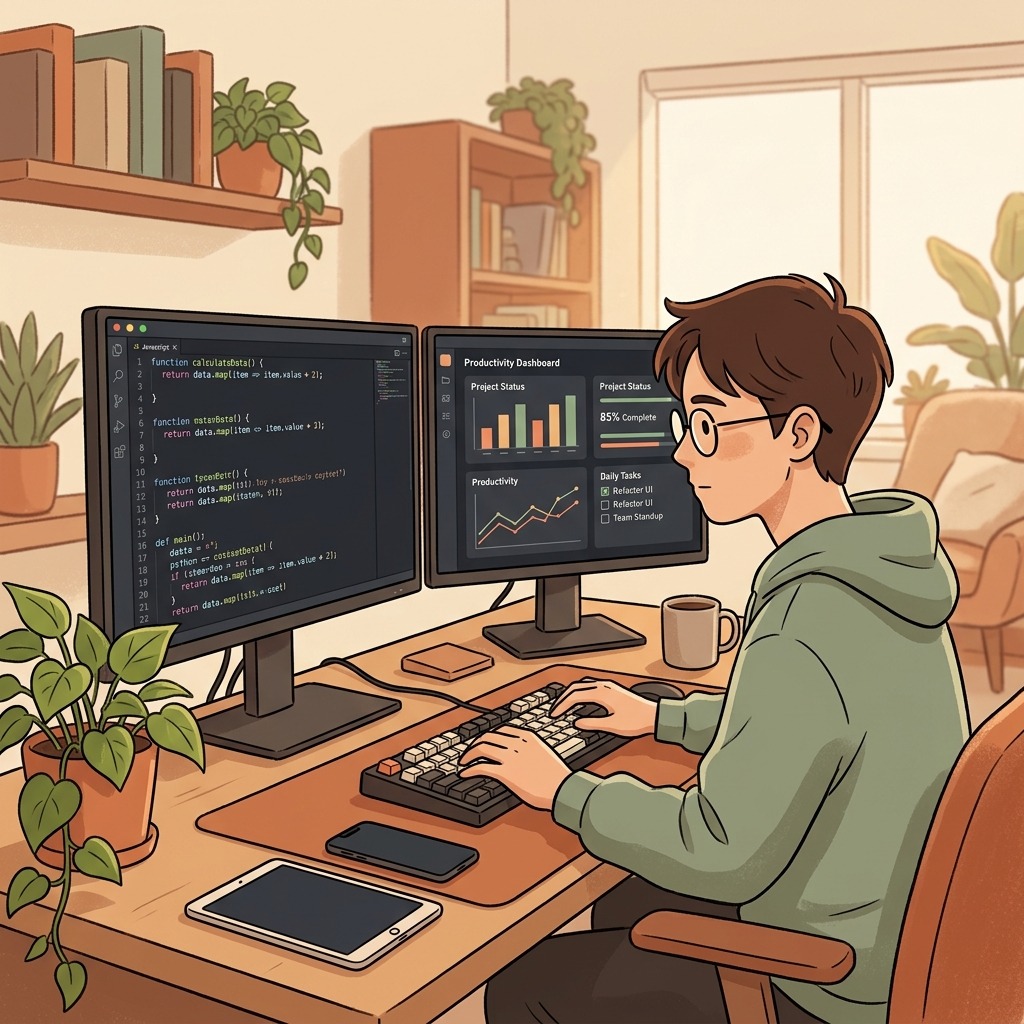
1. Cursor & Agentic AI IDEs
If 2024 was the era of single-line autocomplete plugins, 2026 is the era of full-repository agentic pair programming.
Instead of manually wiring repetitive boilerplate or tracing imports across microservices by hand, modern AI IDEs index the entire workspace graph, surface cross-service type contracts, and scaffold unit test suites for boundary edge cases while the engineer focuses on system design and correctness.
Pro-tip: Check a project-level instruction file (AGENTS.md) into the repository root so AI assistants follow your team's exact architectural conventions and test requirements.
2. Warp Terminal: GPU-Accelerated CLI with Command Intelligence
Warp modernizes the command line into a block-based, GPU-accelerated workspace where every command and its output form an inspectable, shareable unit.
With native mouse navigation and built-in command translation (Cmd + K), engineers no longer waste time hunting for obscure ffmpeg, awk, or git rebase --onto flags across man pages.
3. Lazygit & GitButler: Visual Branching Without Context Loss
Even for engineers who know the Git CLI by heart, managing interactive staging, partial hunks, and multi-branch rebases visually saves minutes every hour.
lazygit provides an ultra-fast Terminal User Interface (TUI) for interactive rebasing and patch staging right inside the terminal, while GitButler allows developers to work on parallel virtual branches simultaneously without stashing.
4. Raycast: The Programmable OS Command Palette
Raycast replaces the default OS launcher with an extensible, keyboard-first command palette (Option + Space).
From querying local documentation, managing Docker containers, and inspecting clipboard history to searching GitHub pull requests and decoding JWTs, keeping every utility behind a single hotkey eliminates constant mouse switching.
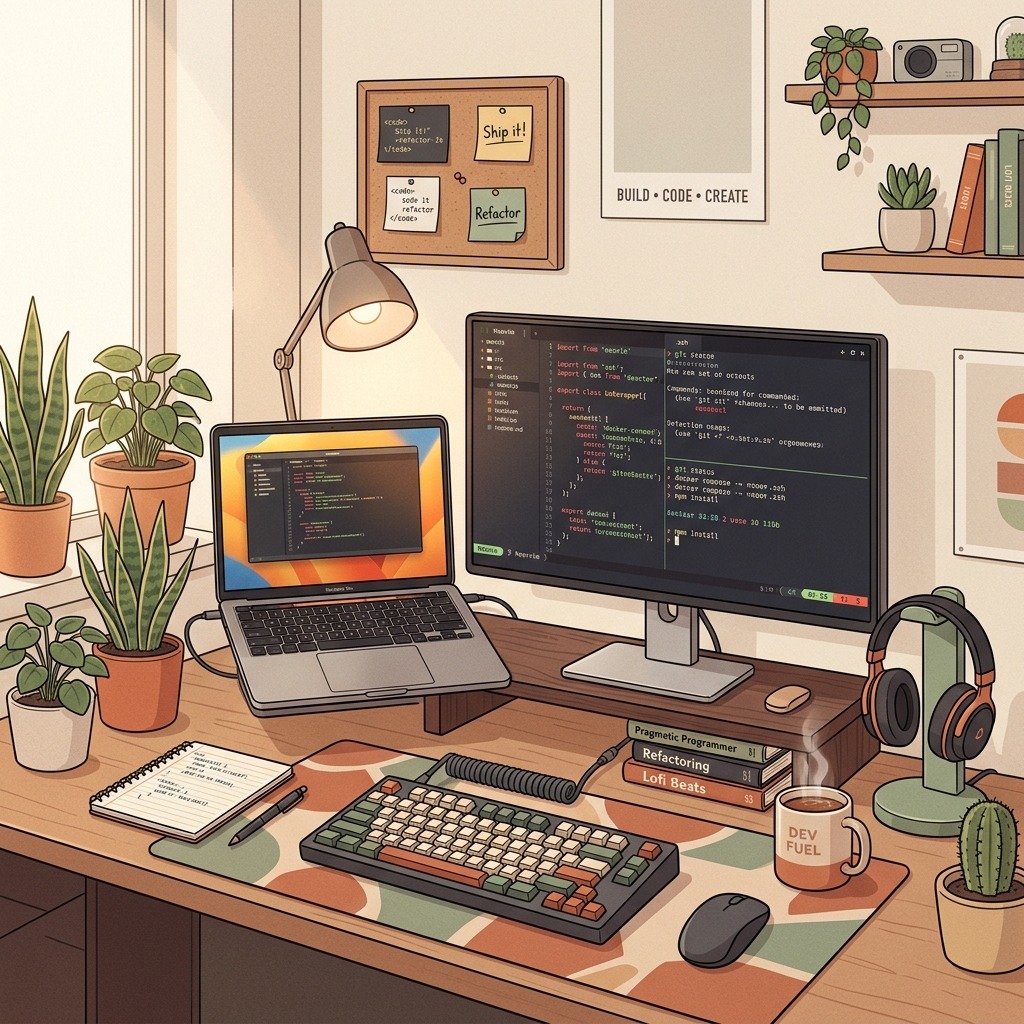
5. Adaptive Focus Audio Engines (Endel & Brain.fm)
Developer tooling isn't limited to compilers—managing cognitive load matters just as much.
When diving into complex algorithmic debugging or distributed trace analysis, ambient distraction breaks concentration. Generative audio tools engineer non-repeating soundscapes designed to sustain deep focus blocks during heads-down coding sprints.
6. totop.app: Interactive System Design & Interview Simulation
Staying sharp on distributed architecture, concurrency trade-offs, and algorithmic problem decomposition shouldn't wait until the week before a job search.
Among the best developer tools 2026 for career growth, totop.app gives engineers an interactive environment to rehearse role-tailored system design and coding rounds with an adaptive AI interviewer, complete with Socratic hints and structured rubric evaluations.
7. TablePlus & Beekeeper Studio: Native Database Inspection
Inspecting PostgreSQL, Redis, ClickHouse, and SQLite schemas shouldn't require launching a heavy, memory-hungry IDE.
TablePlus and Beekeeper Studio start in milliseconds, offering clean query tabs, inline row editing, execution plan inspection, and automatic SSH port forwarding for staging databases.
8. OrbStack: Fast, Low-Memory Containers on macOS
Traditional container virtual machines on macOS historically consumed gigabytes of idle RAM and drained laptop batteries during local microservice development.
OrbStack serves as a lightweight drop-in replacement for Docker Desktop that boots Linux containers in under two seconds with minimal memory overhead and automatic local domain routing.
9. HTTPie CLI & Bruno: Git-Friendly API Testing
Writing multi-line curl commands with escaped JSON strings is error-prone.
httpie turns terminal API requests into clean, expressive commands (http POST api.totop.app/v1/auth [email protected]) with automatic syntax highlighting, while Git-backed API clients like Bruno store request collections directly in your repository as plain text files.
10. Obsidian: Local-First Markdown Engineering Knowledge Base
Human working memory isn't built to retain hundreds of one-off shell snippets, incident postmortems, and architecture diagrams across multi-year projects.
Obsidian turns a local folder of plain-text Markdown files into a linked engineering knowledge base ([[Topic]]) backed by Git—ensuring every debugging runbook and Architecture Decision Record (ADR) is searchable offline in milliseconds.
Engineering Takeaways & Interview Preparation Checklist
Before heading into a live interview covering developer productivity tools in 2026, review these core preparation principles to ensure your explanations are clear, structured, and grounded in real-world execution:
- Lead with a Concise Summary: Open every answer with a two-sentence executive headline before diving into implementation details or historical context.
- State Your Assumptions Explicitly: Clarify scale, constraints, team context, and edge cases early so the interviewer can calibrate the discussion with you.
- Compare At Least Two Alternatives: Senior candidates differentiate themselves by explaining why they chose a specific pattern over a simpler or more complex alternative, including the exact threshold where that trade-off flips.
- Quantify Impact & Verification: Whenever you share an example or propose a solution, explain how you measure success in practice—whether through latency/throughput metrics, test coverage, business KPIs, or post-deployment observability.
Summary: Building a High-Velocity Engineering Stack
Sustainable engineering velocity comes from removing the recurring friction points that interrupt deep work.
Whether you are streamlining container startup times with OrbStack, automating command lookup in Warp, or keeping your architectural communication sharp on totop.app, investing a single afternoon in your toolset compounds across every sprint in 2026.
Practice Full Stack Engineer Questions Live with AI Mock Interviews
Turn any job description across Engineering, DevOps, Data, Marketing, Sales, Finance, or HR into a personalized test and live voice or text AI mock interview on totop.app, or test your speed right now in the 60-Second Full Stack Engineer Blitz.
Play 60s Full Stack Engineer Blitz (Free, No Login) | Start 14-Day Free Trial | Browse All Interview Guides