How to Take a Mock Test on totop.app

Prepare effectively for your software engineering and technical interviews by taking a guided mock test on totop.app. It’s designed to simulate real-world interviews to ensure you are confident and ready!
In this visual guide, we’ll walk you through the process, step by step:
Step 1
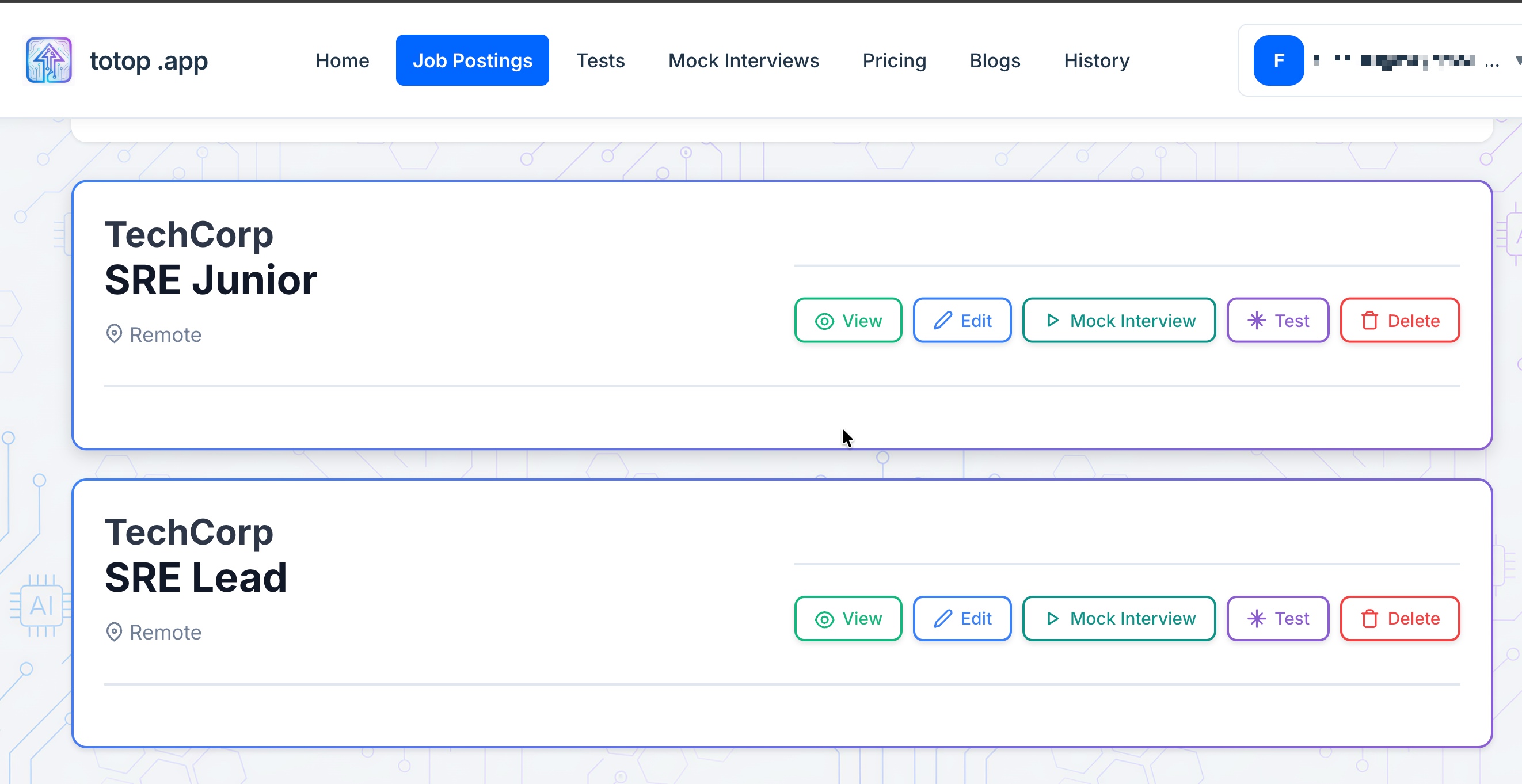
Go to Job Postings and create a job posting. Below you can see job postings already created.
Step 2
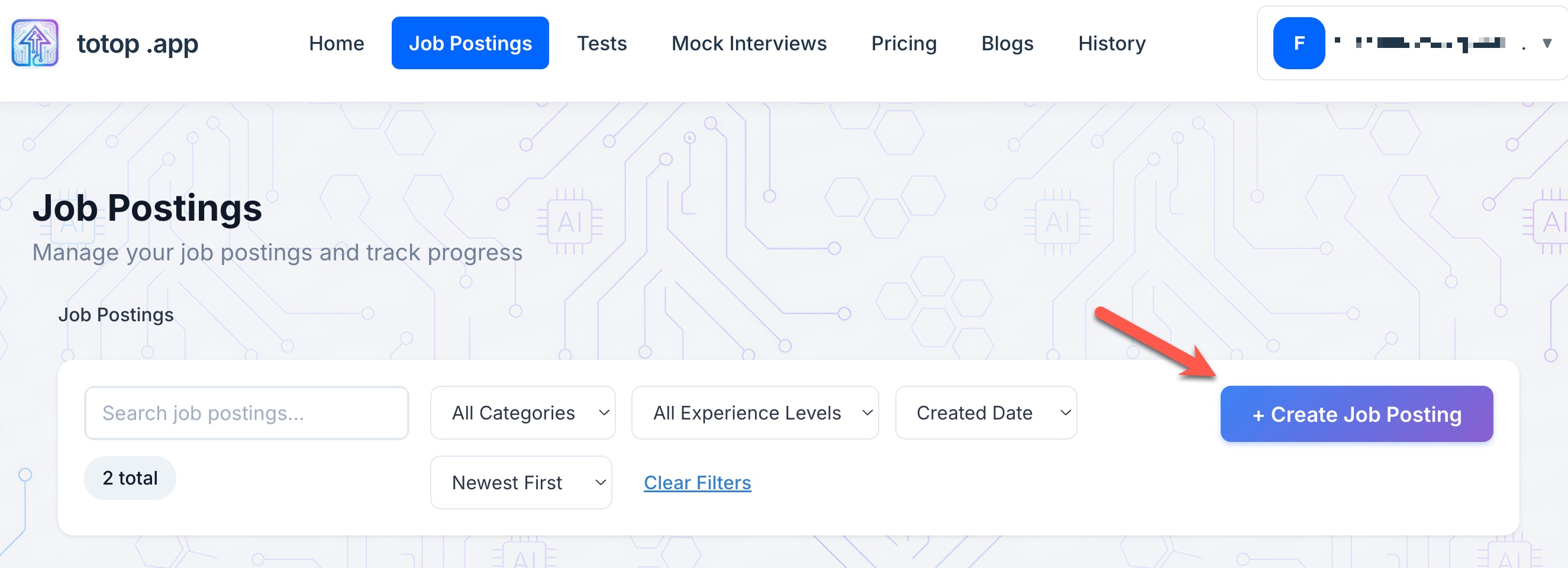
Click on the "Create Job Posting" button to create a new job posting. This is necessary as we are trying to study for a specific job posting and get ready for it.
Step 3
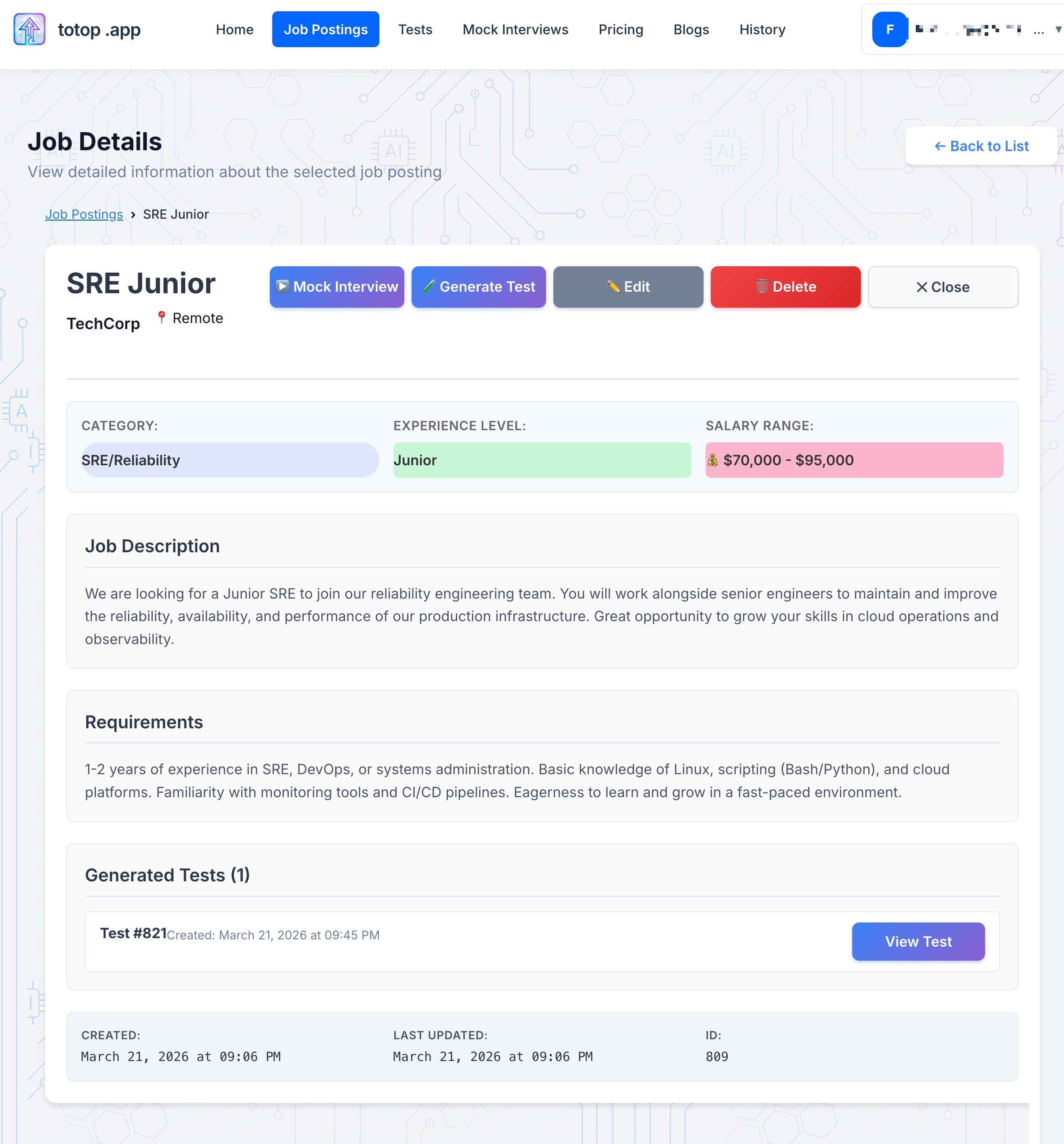
Fill in the job details and save. You will have a sample job posting like in the screenshot.
Step 4
Click "Mock Interview" button to start an interview.

Step 5
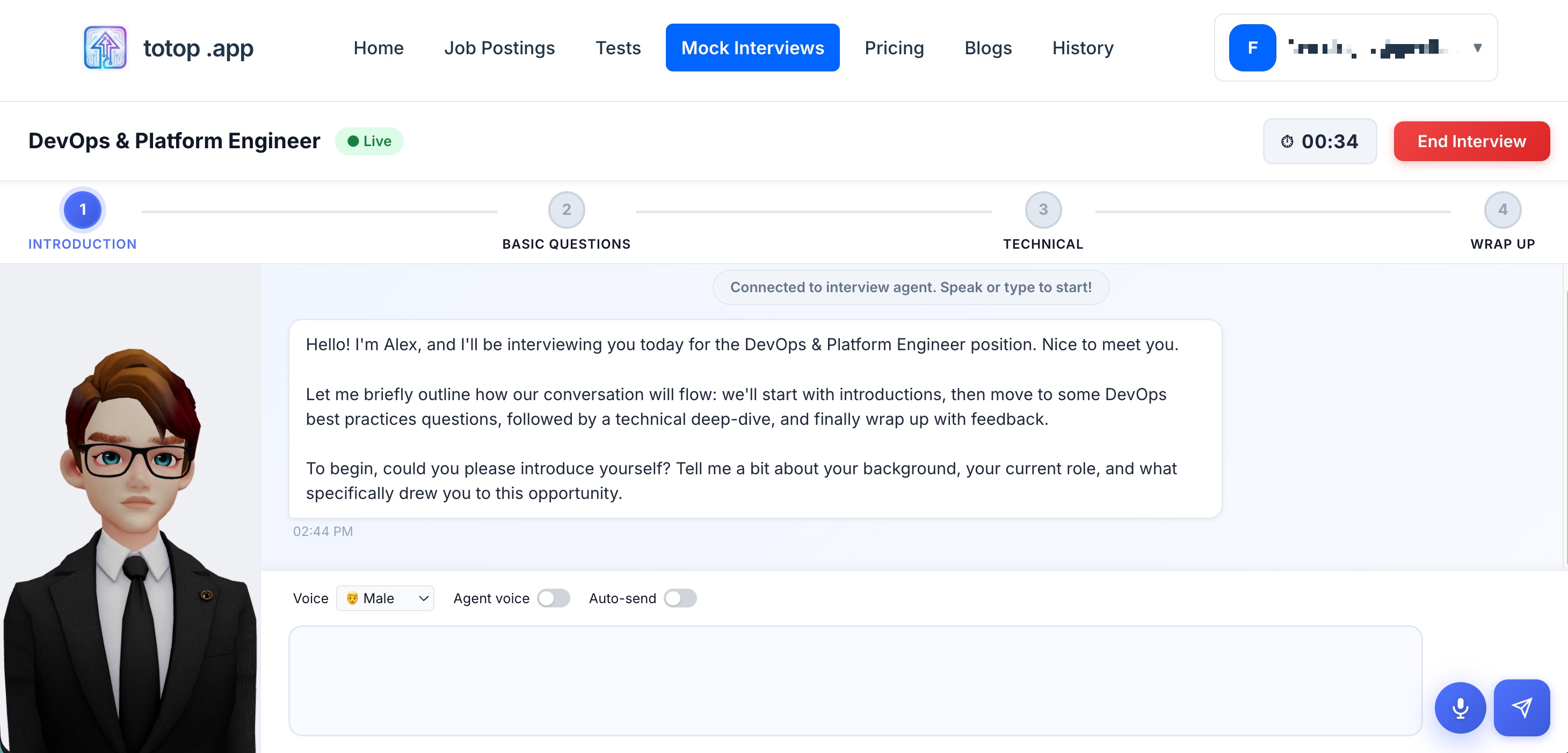
Below you can see a mock interview session. You have the option to use voice or text to answer the questions. After the interview you will get a performance report and immediate feedback. Here is a sample report link sample-report.pdf
Step 6
Here you can see sample interviews created before.
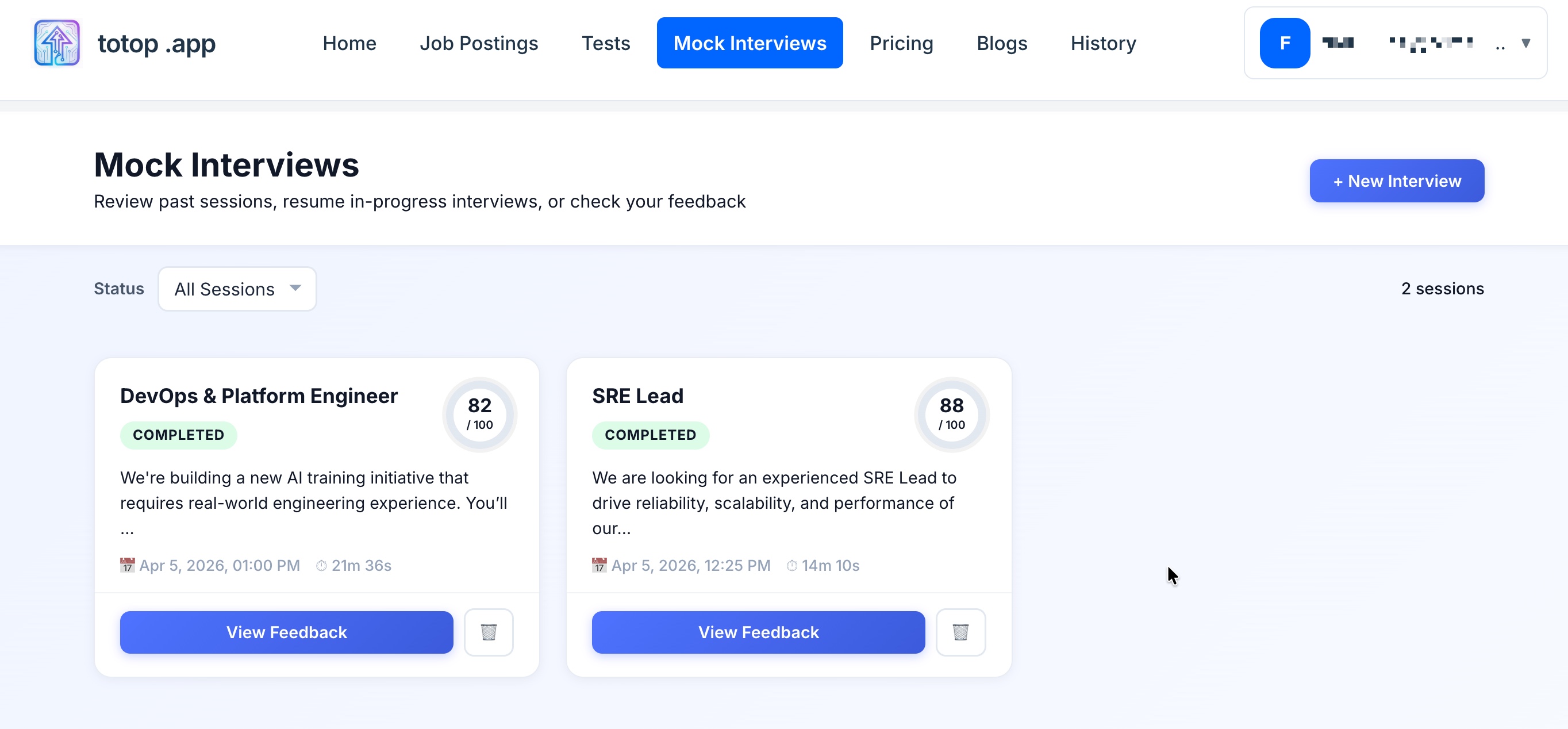
Step 7
To create tests and study concepts, click on the "Test" button. Fill the details and create your test.

Step 8
Test creation will take a few minutes. You will get a notification when it is ready. You can see the test details, explanations for each question.
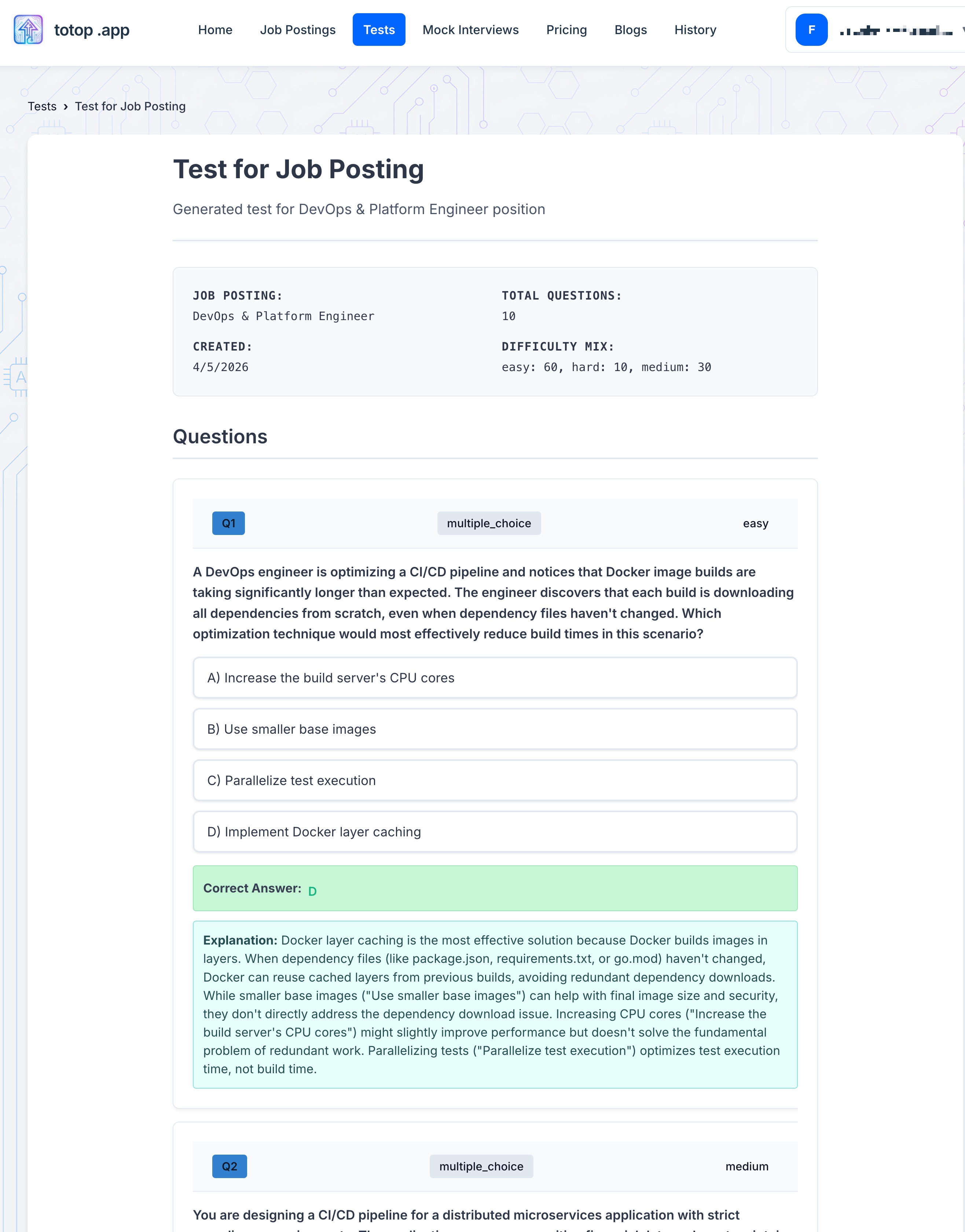
Step 9
You can list all tests. Clicking "Start Test" in one of the test will start the test for you.
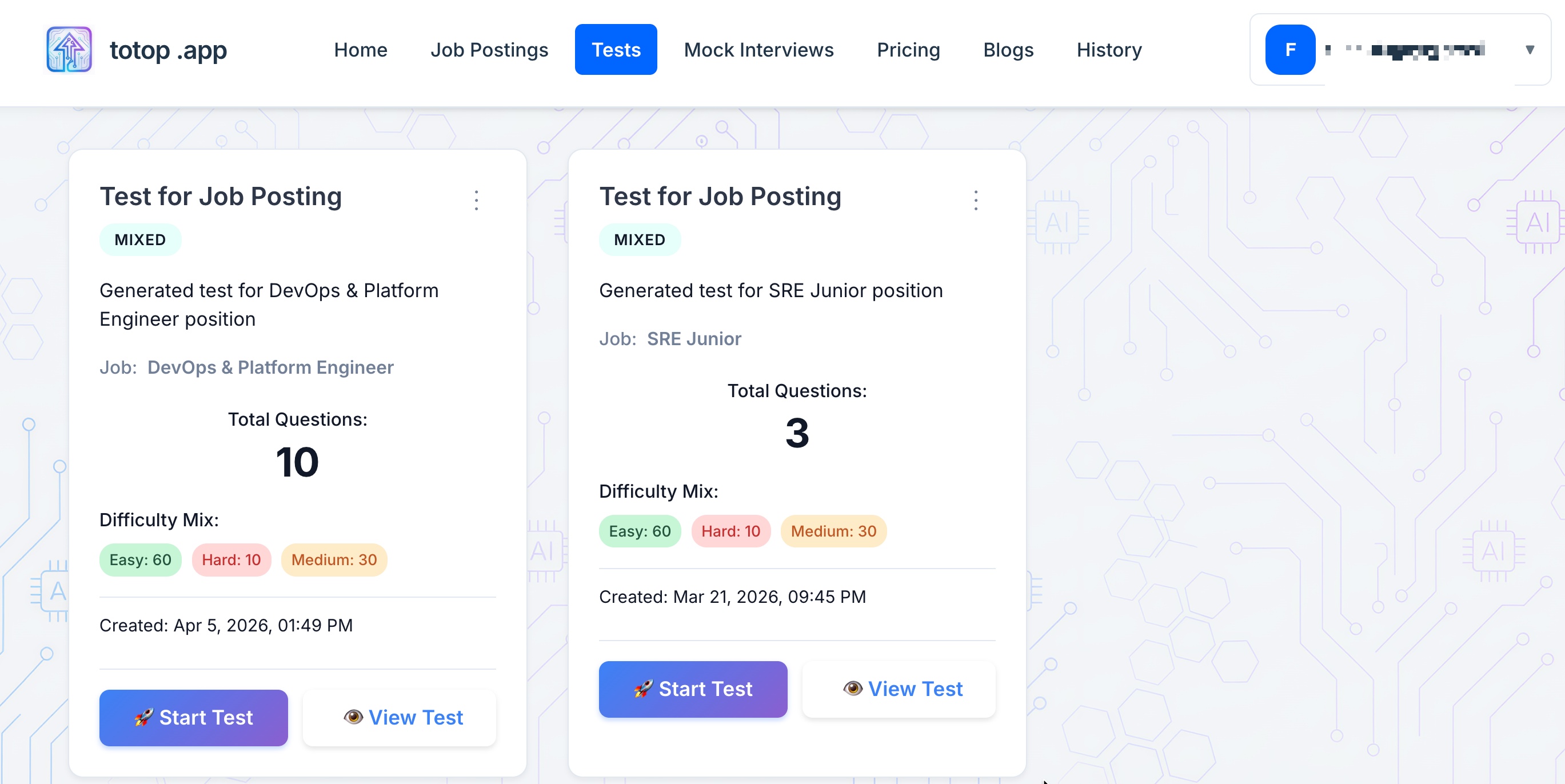
Step 10
This is a sample test started.
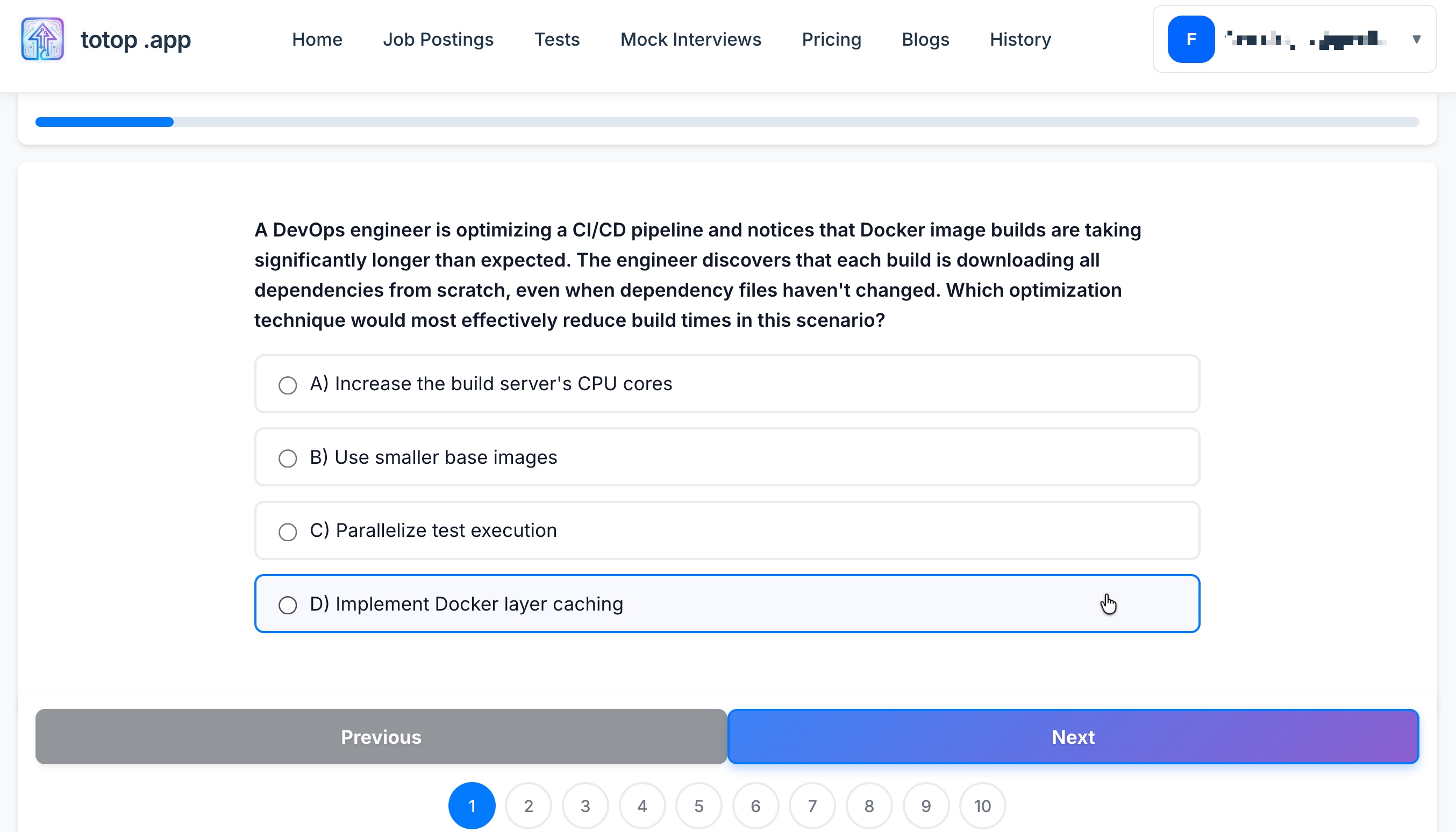
By taking regular mock tests, you can track your progress, practice with realistic questions, and improve your performance over time.
Ready to ace your next technical interview? Start practicing on totop.app today!